Ultracast is a live-streaming companion — fast setup, clean on-air UI and a viewer-first mobile playback experience.
On the surface it's one big button: go live. Under the hood — bitrate negotiation, network adaptation, silent recovery from dropped frames, and a chat layer that doesn't steal focus from the stream.
The design challenge was the moments when things go sideways: latency spikes, a cut mic, a viewer count that suddenly jumps. We wrote a small alert vocabulary so the streamer reads state at a glance without panicking on camera.
How we worked
Research started on the streamer side — three weeks of watching actual creators stream on Twitch and YouTube, paying attention to when they reached for the app and when they ignored it. Patterns emerged fast. They don't touch the stream config during a stream. They check chat, they check donations, they react to raid notifications. Most streaming apps at the time assumed the opposite — dense dashboards, many controls, always visible. We did the opposite on purpose.
The on-air UI was where the bet crystallised. Three elements persistently visible — stream health, chat, a single red Go Live/Stop — and everything else hidden behind a long-press. I defended that minimalism through two product reviews where stakeholders wanted 'just one more' tile each time. The product reference we kept coming back to was Instagram Stories, not OBS.
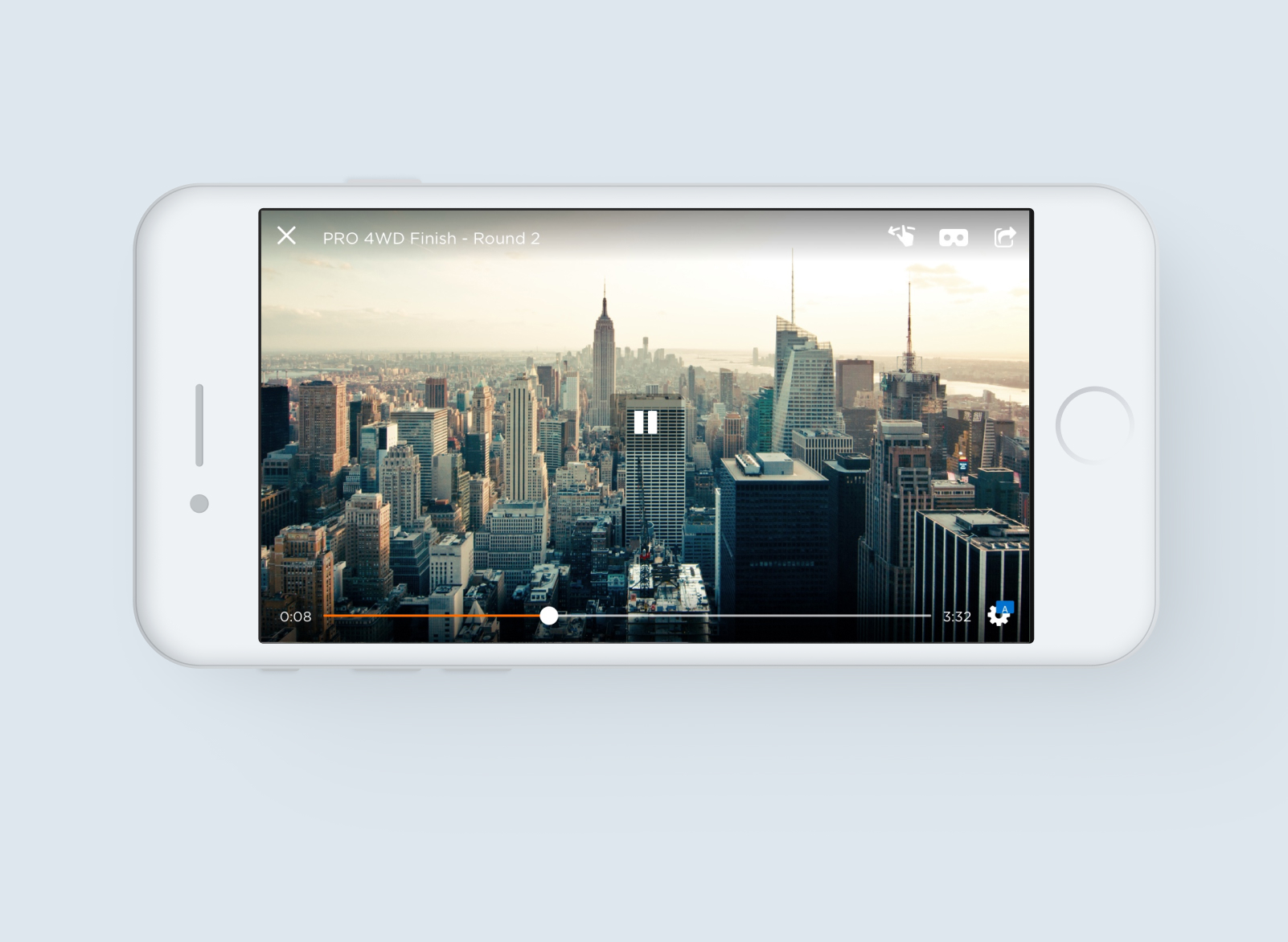
The 360 player took the longest because the format is still unusual. Most viewers don't know they can drag to look around. I built in tutorial gestures that show up only on first play, fade out after two drags and never come back. The decision point was how aggressively to teach: too much and the content gets interrupted; too little and half the viewers never discover the format. We tested three levels and landed in the middle.
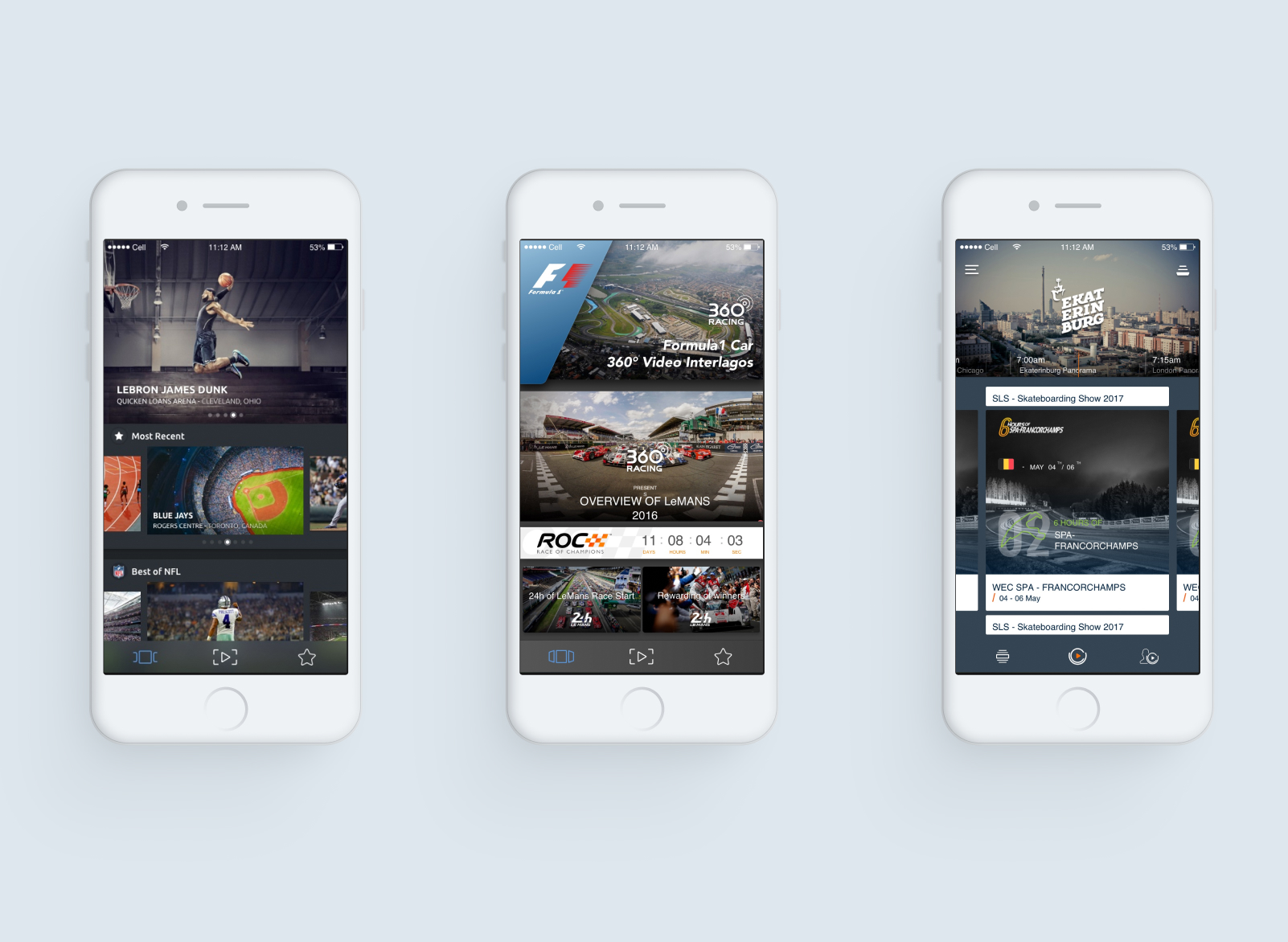
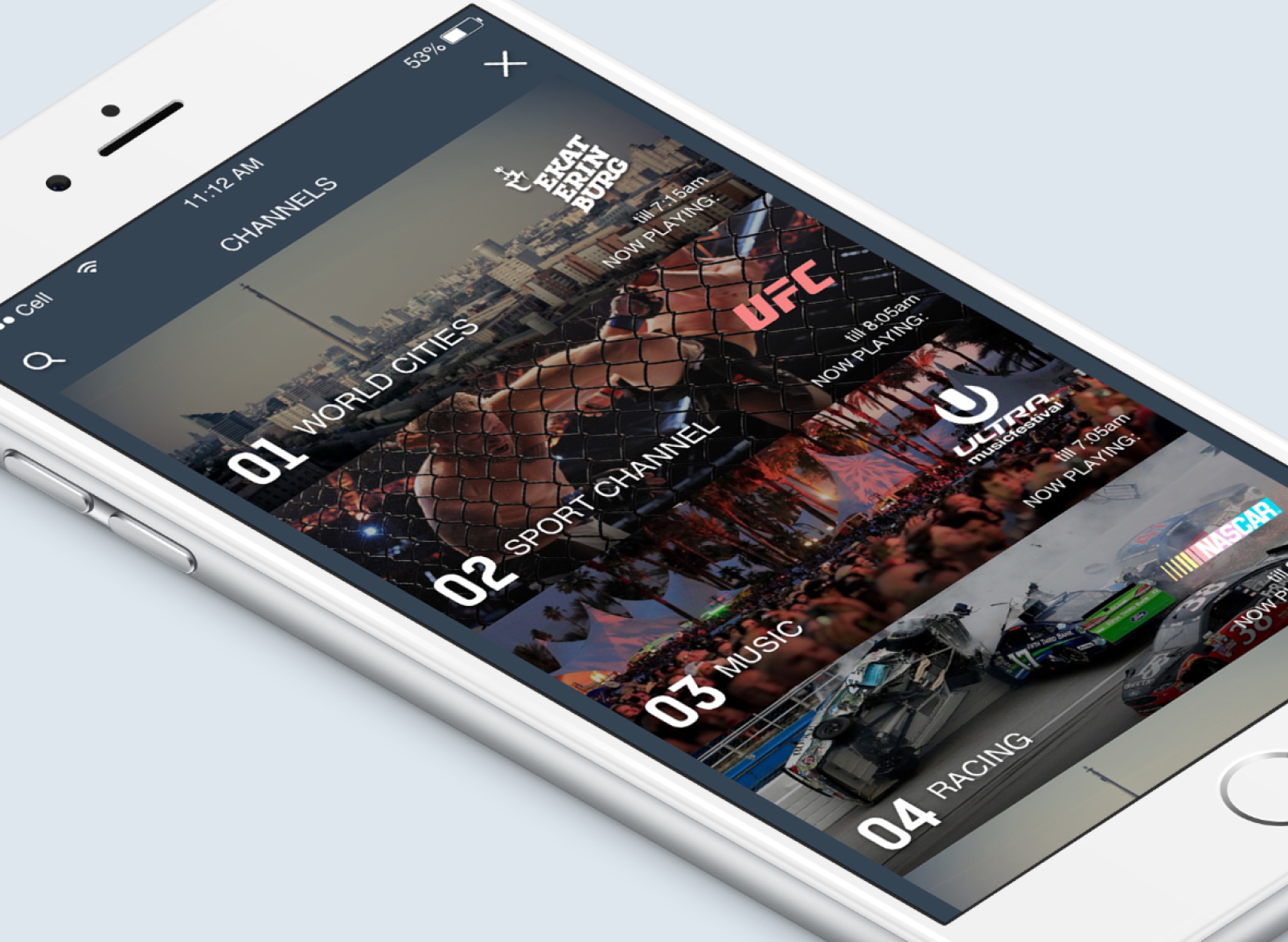
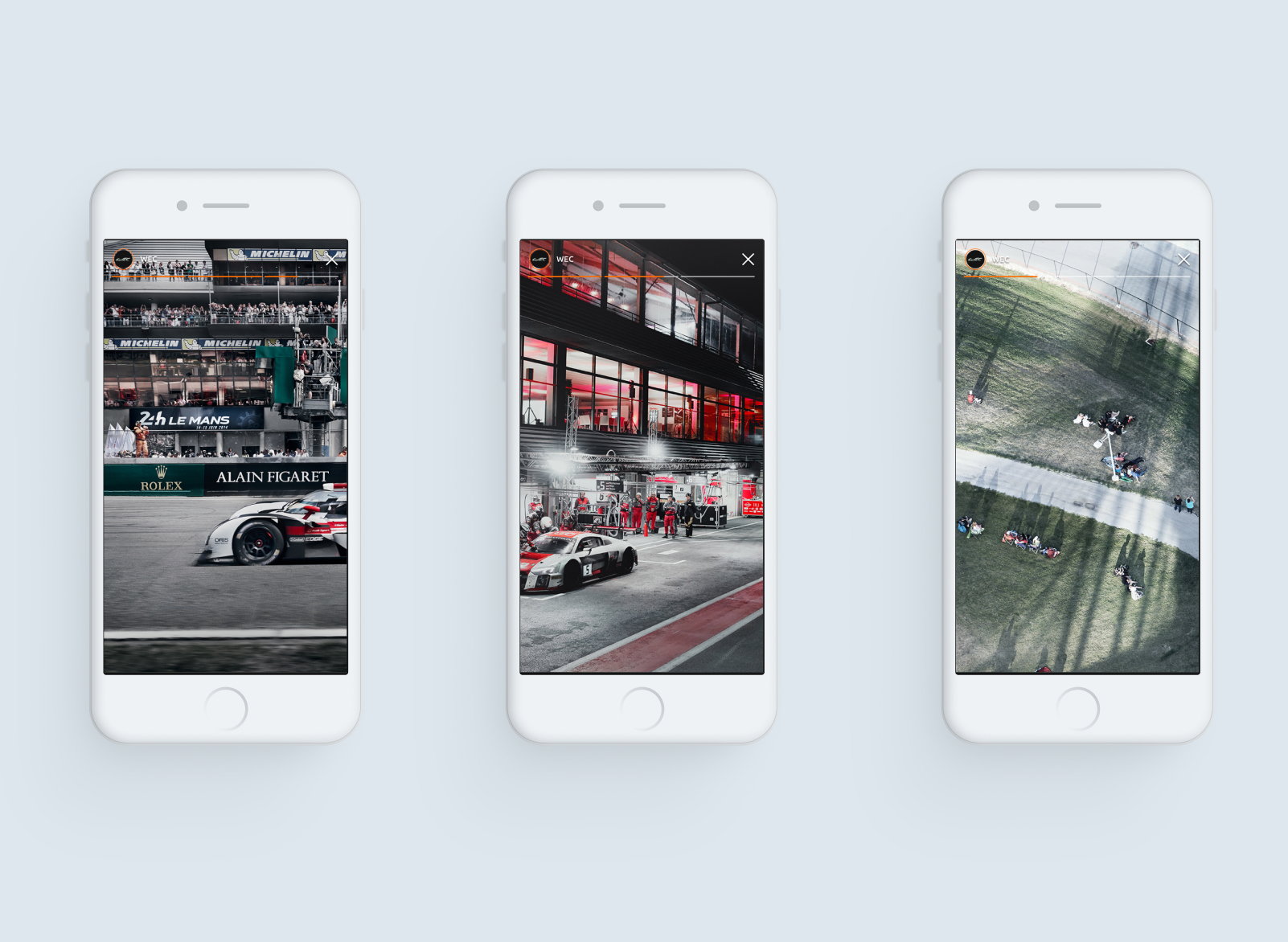
What shipped
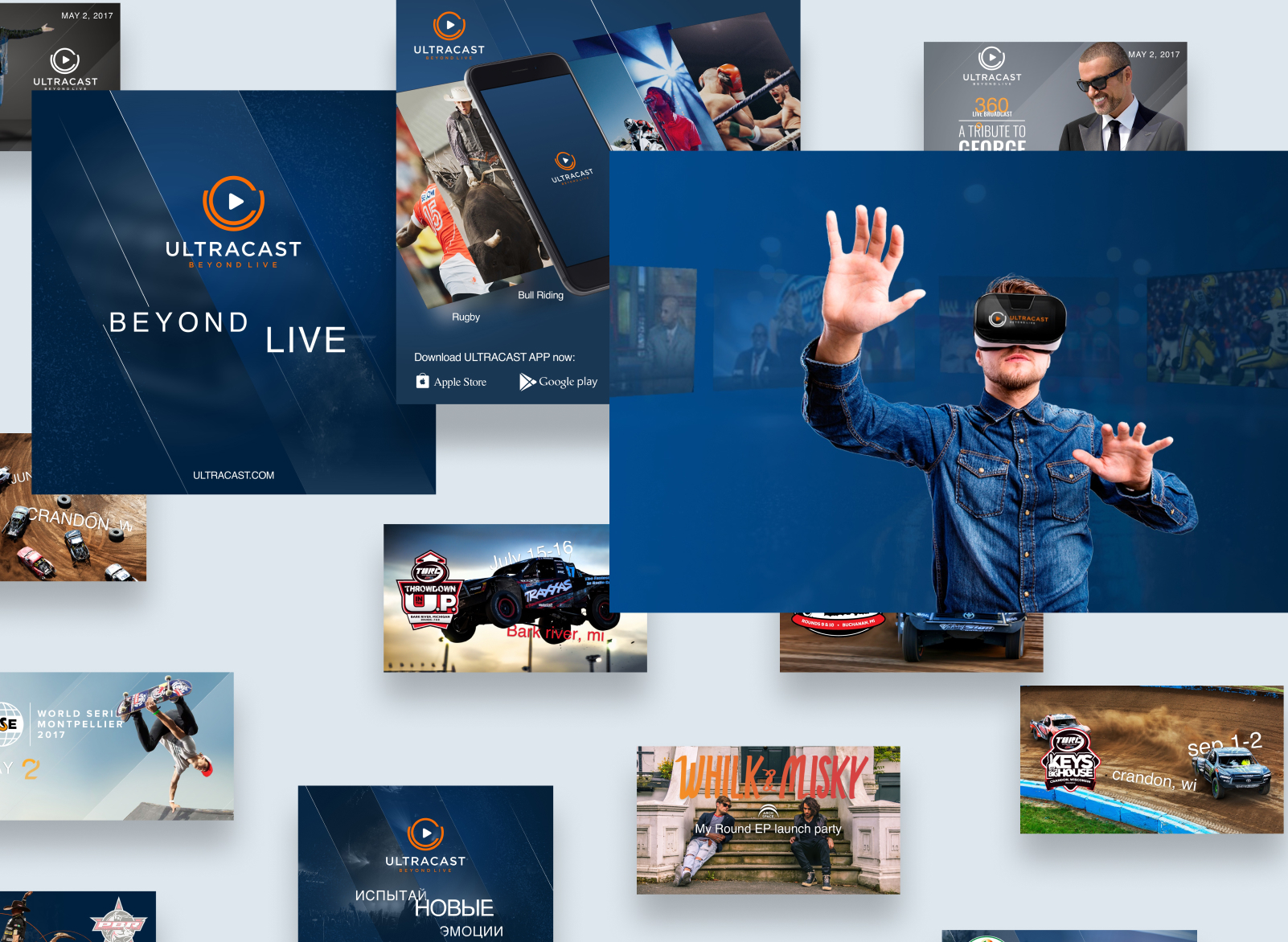
- Live and on-demand 360 video catalogue with recommendations
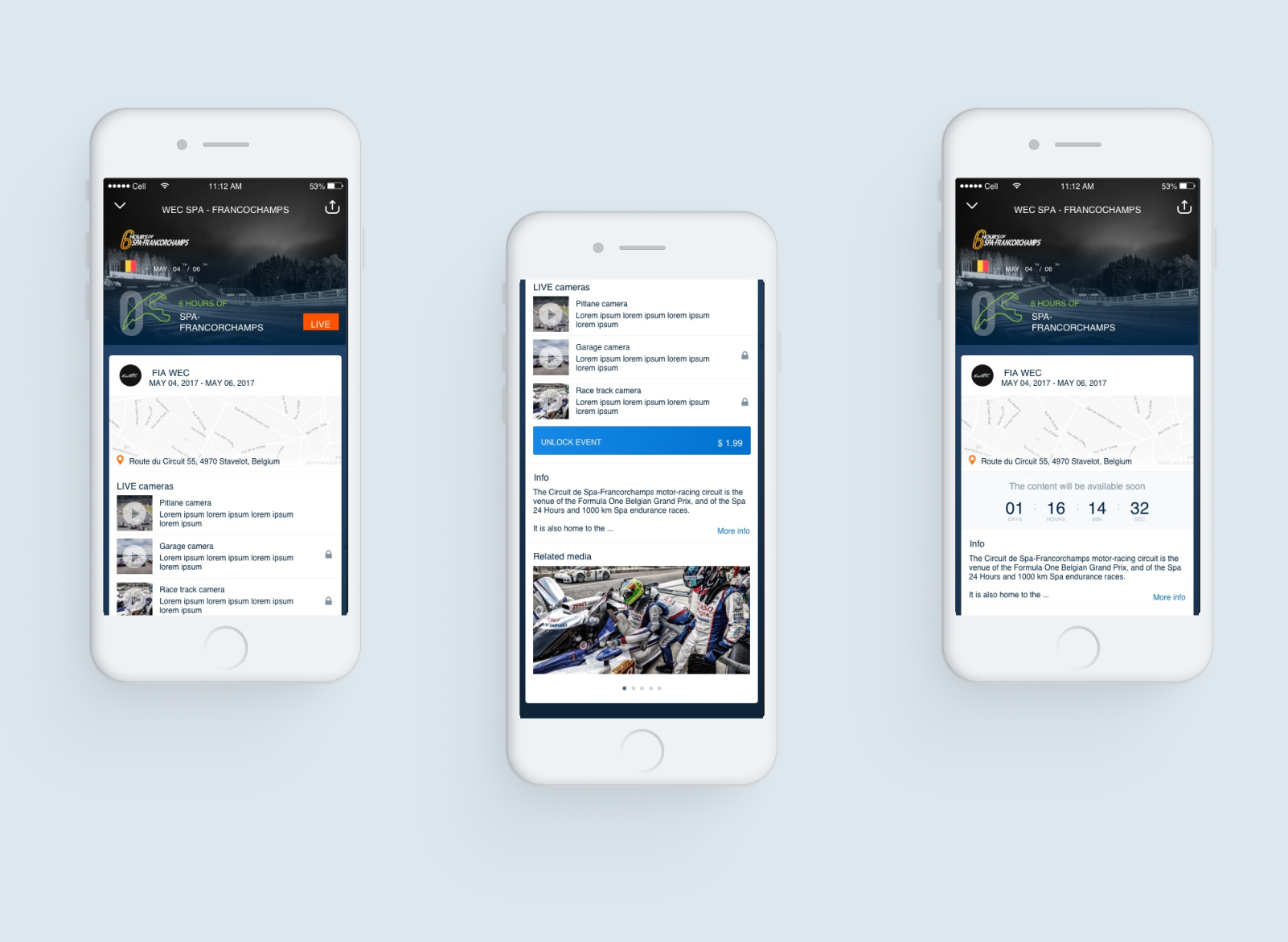
- Multi-camera switching for the same event
- Reinvented 360 player: drag, zoom, camera-switch gestures
- Live-event UX: countdowns, calendar add, push reminders
- Engagement loop tuned for a small but varied catalogue
Closing note
A small startup with a niche format — most of the design work was about making 360 feel obvious enough that the user never thought about the format itself, only about what was happening on screen.