MSTV TV is a 10-foot UI for smart TVs — long-form motorsport video, live timing, and a lean-back editorial surface.
Television design is a lesson in restraint. The remote has six useful buttons; every screen has to make sense with one hand and at three metres.
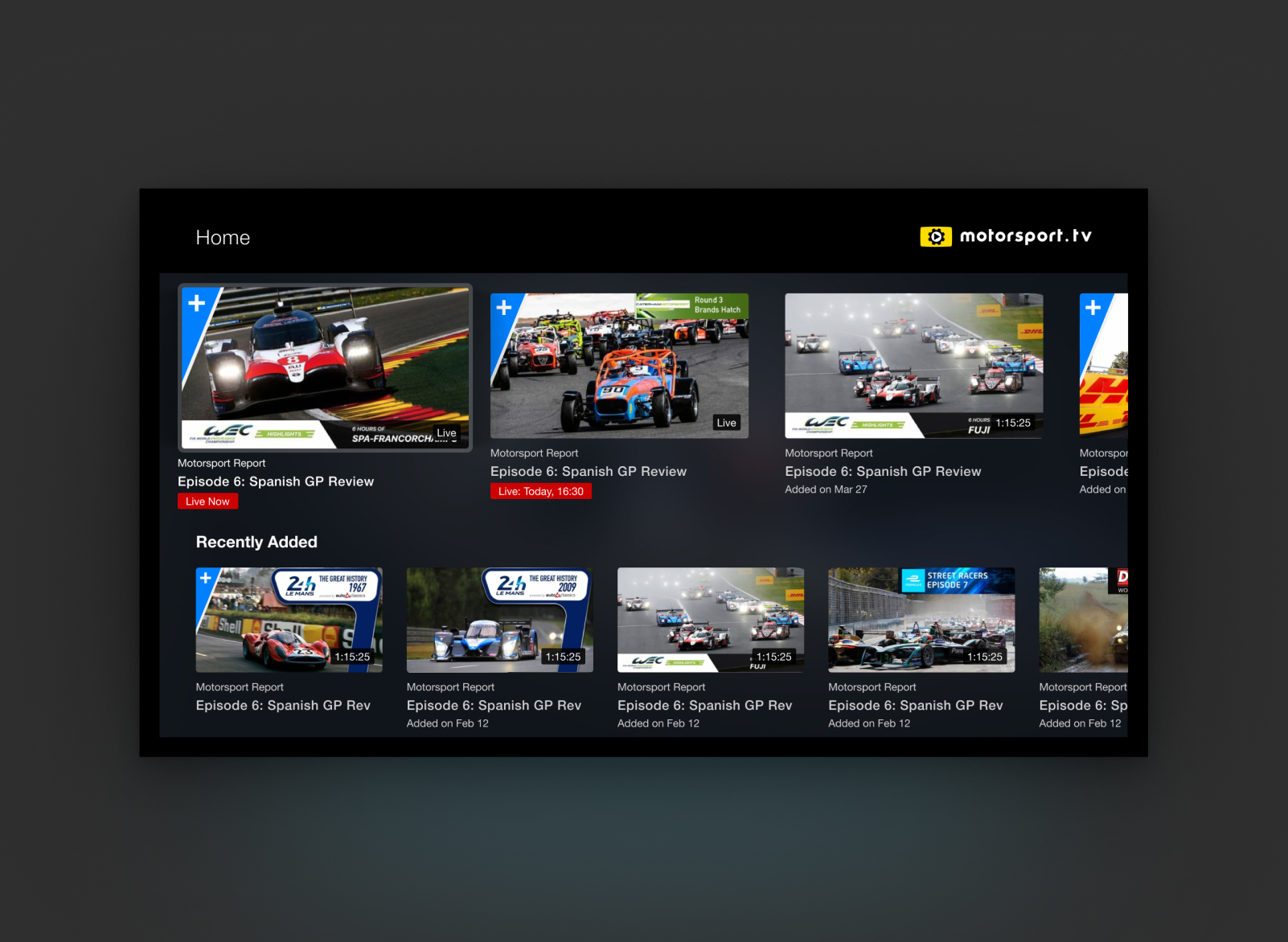
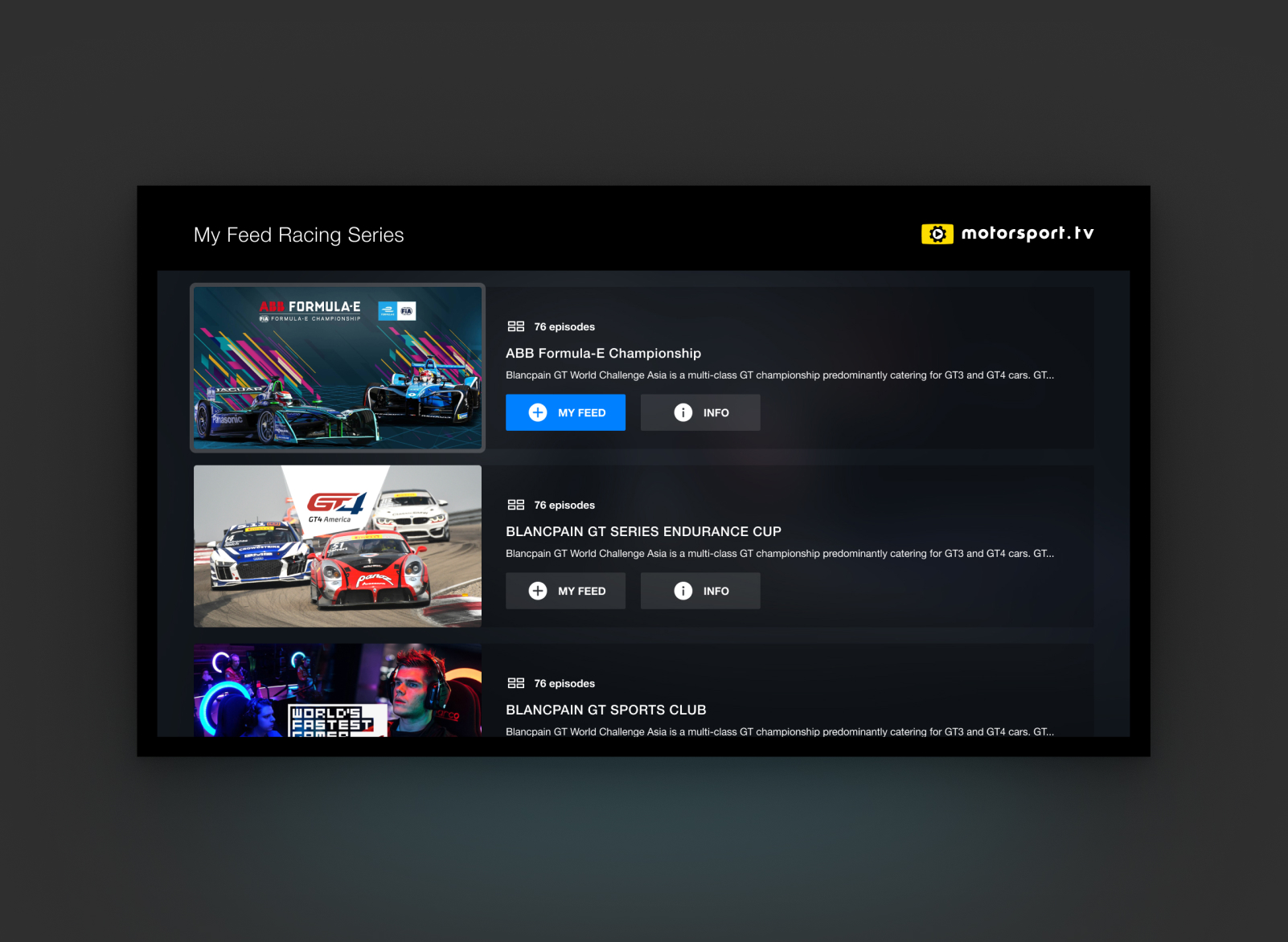
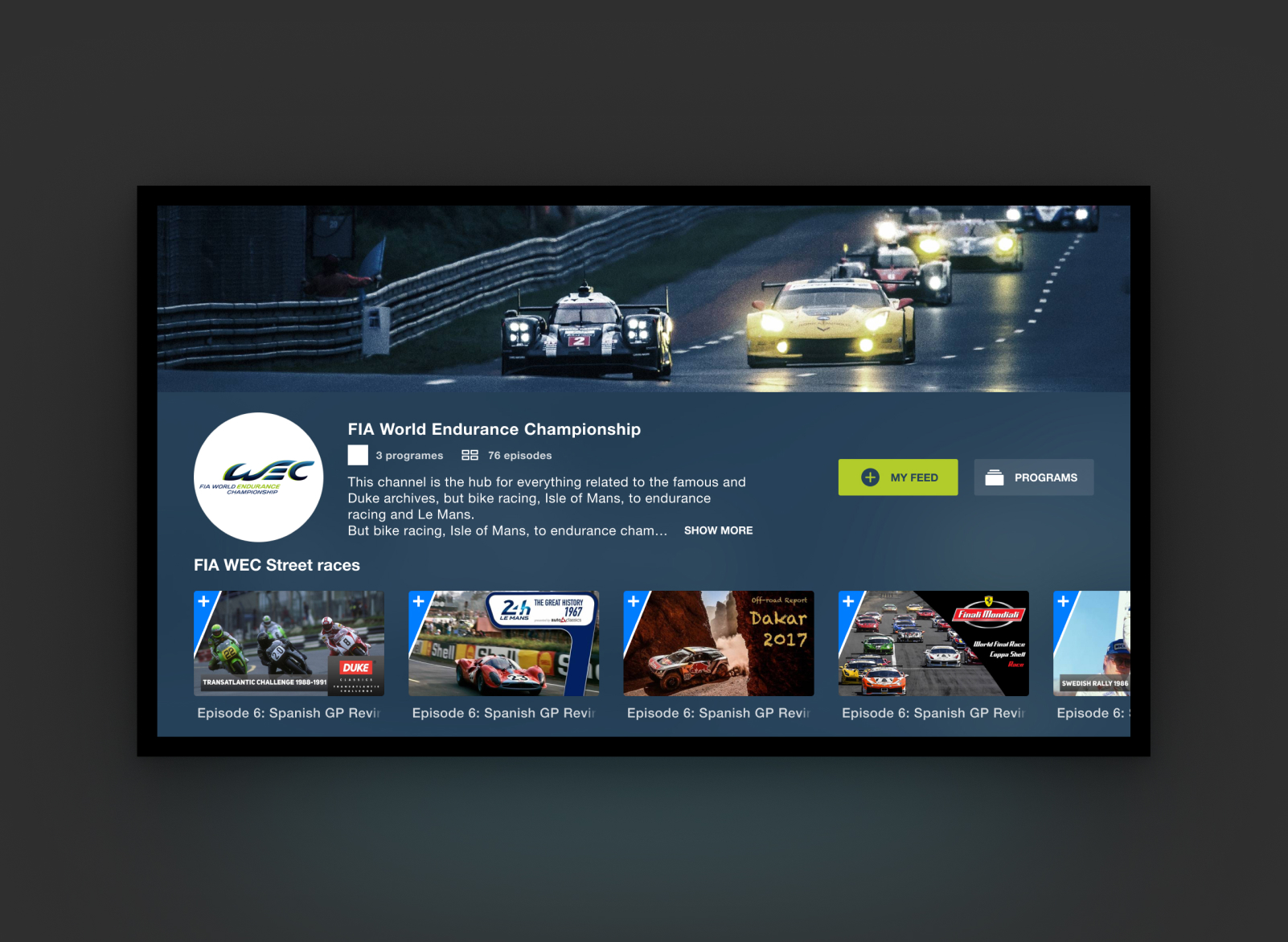
We built the whole product around a single navigation metaphor — rows of rails with a persistent "now" strip — and then spent months making that one idea feel effortless.
How we worked
Television design is alien to most app designers — the first month was mostly un-learning. A remote has no hover, no long-press, no multi-touch. Six buttons that do something, four that don't. Every interaction has to work with them, and every decision gets made assuming the user is three metres away and paying half attention.
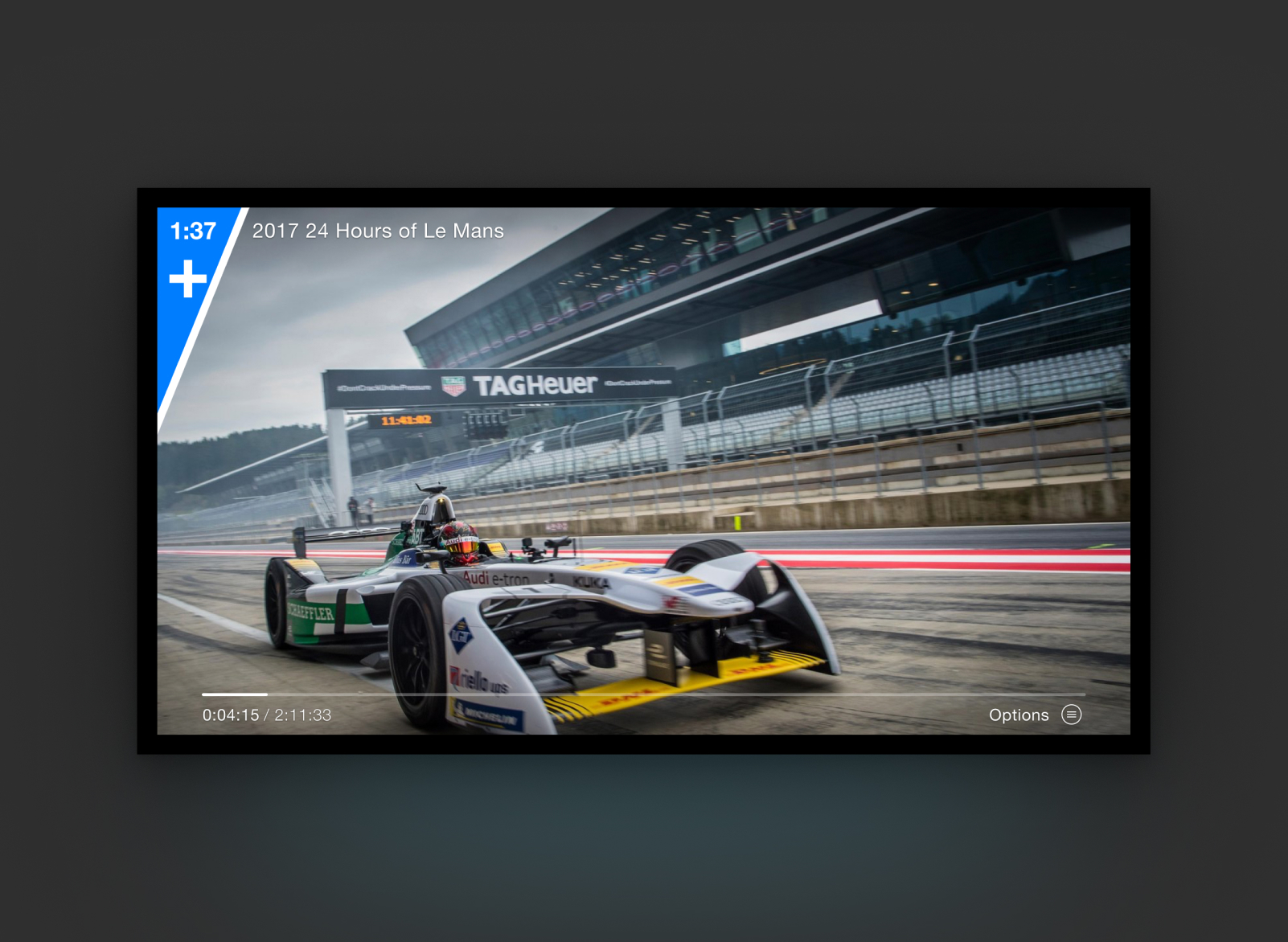
The rails-with-a-persistent-now-strip metaphor took a week to draw and three months to defend. Every review surfaced a temptation — tile sizes should vary, the now strip could move, categories should split. I kept saying no, because the thing that made the product legible on a living-room screen was the consistency of that one shape. By the time we shipped to Apple TV, Roku, Android TV and Fire TV, the layout was indistinguishable across devices, and the muscle memory for 'where am I now' transferred from one to the next.
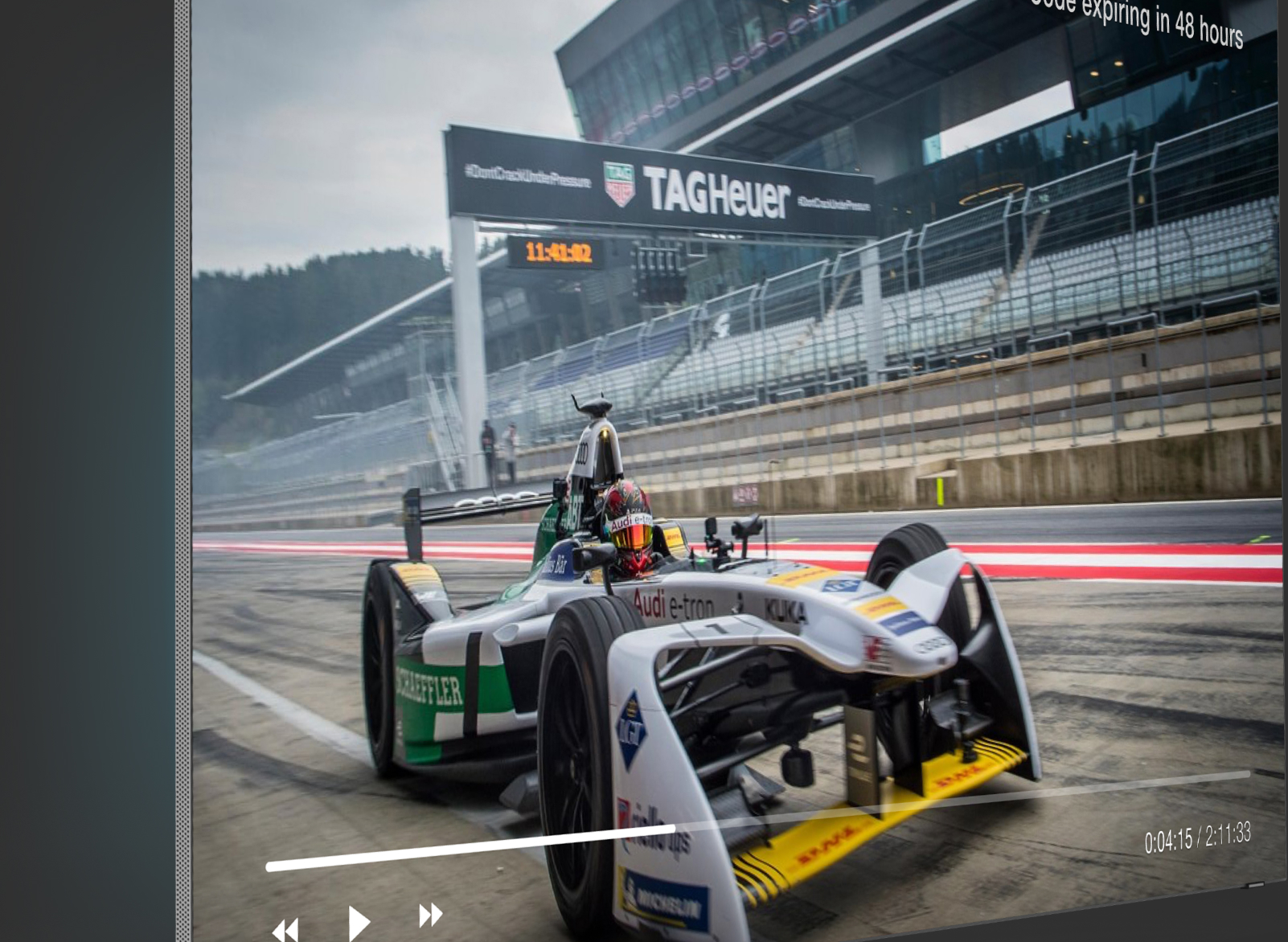
The pairing code was the one shortcut I argued hardest for. Signing in on a TV is a universally broken experience — nobody types an email with a remote. I pushed for a six-character code pattern: the TV shows the code, the user opens the phone app, types it, done. Engineering said it would slip the release. It shipped on time, and it's the feature that gets mentioned in almost every review.
What shipped
- Cross-platform TV app: Apple TV, Roku, Android TV, Amazon Fire
- Remote-friendly navigation tested on real devices
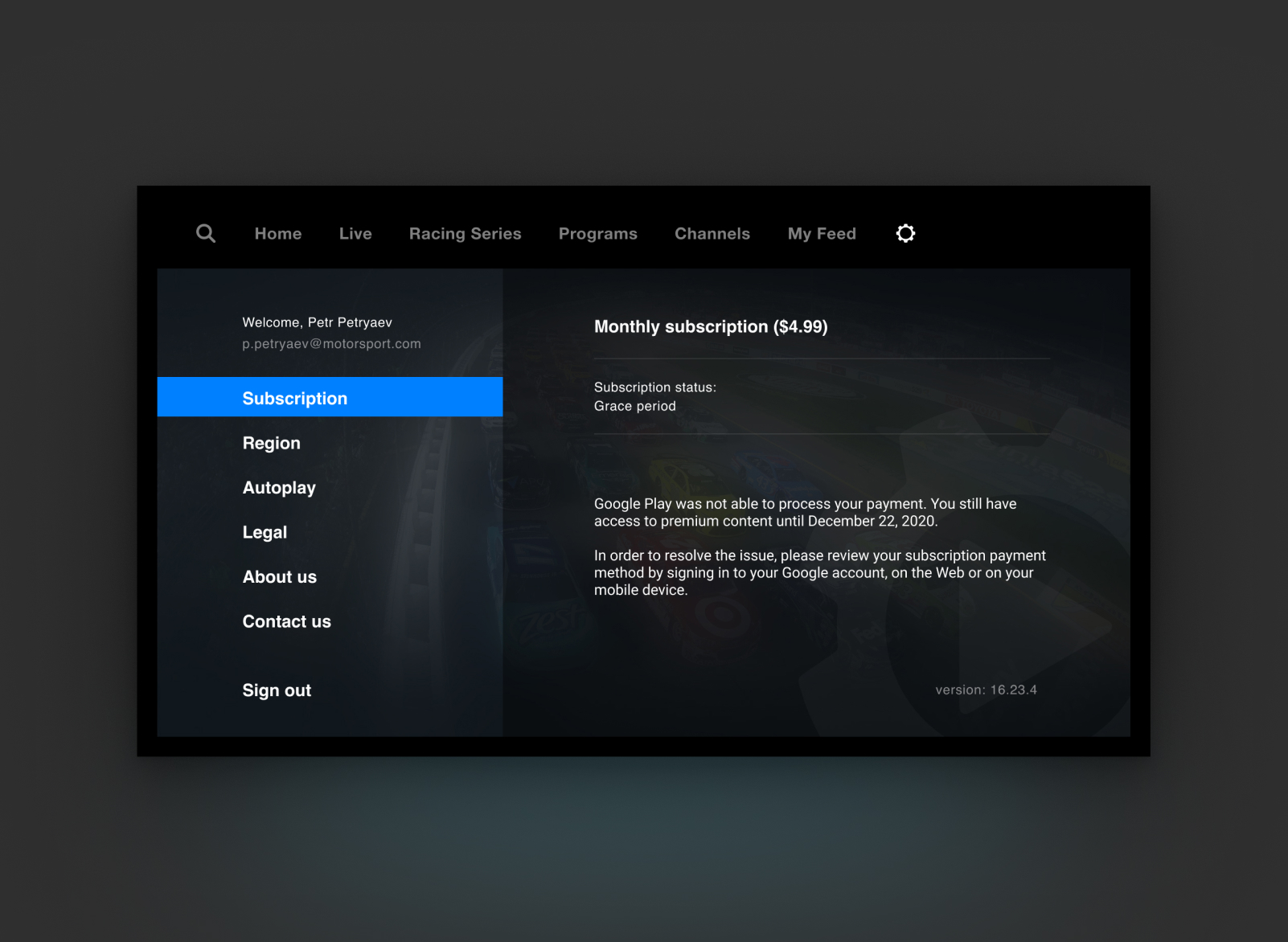
- Pairing-code authentication and subscription flow
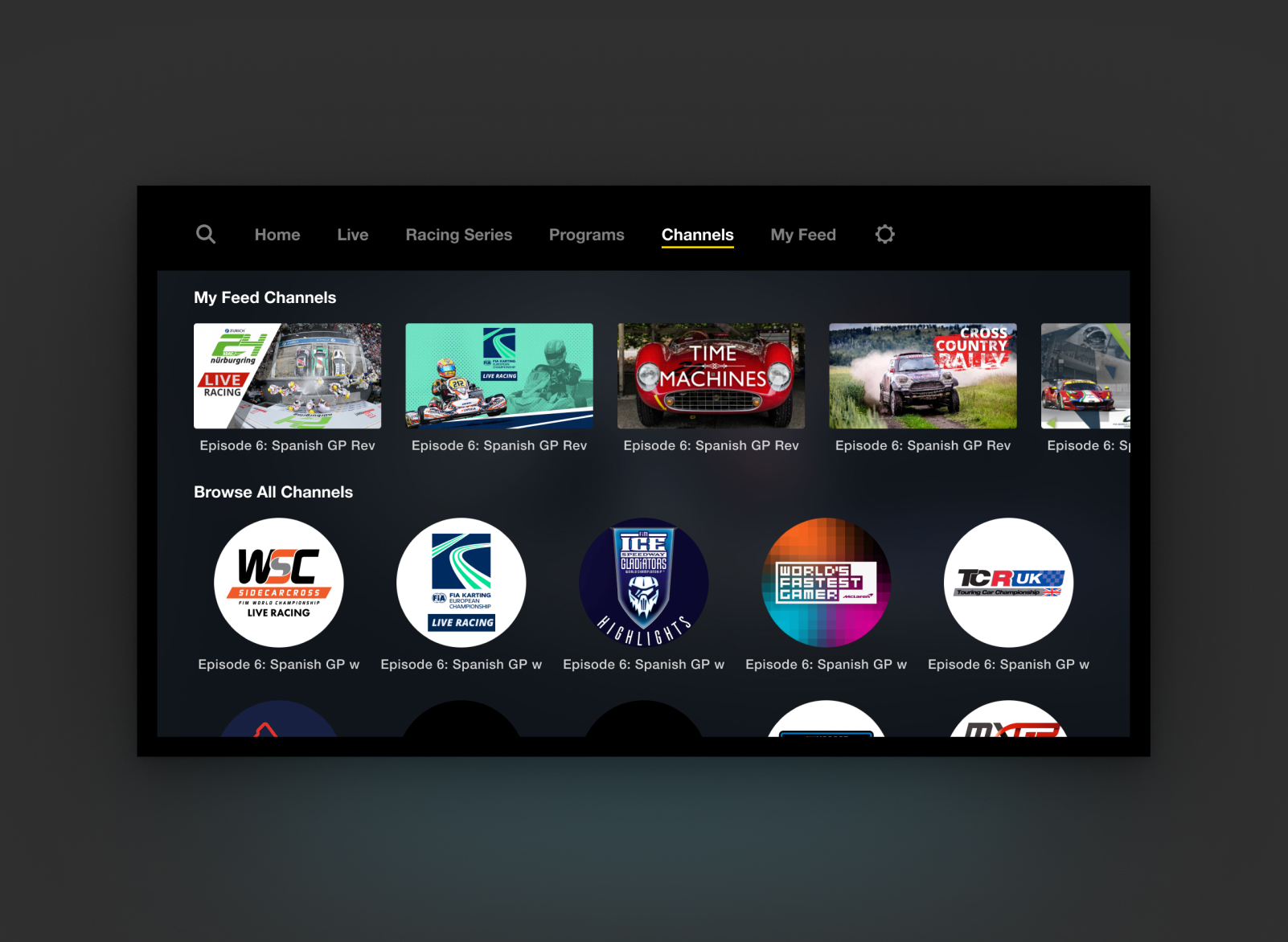
- Channel and series subscriptions, continue watching, recommendations
- Adaptive layouts across remote and screen variations
Closing note
A TV product isn’t a TV-sized phone product — the constraint is the remote, and every important flow has to make peace with it. The pairing-code shortcut, more than any visual decision, is what made this app feel native to the living room.