IC MyCloud is a cloud video management platform — multi-site surveillance for operations teams.
Enterprise surveillance tools are built for technicians. We rebuilt MyCloud for the non-technical manager who opens the product once a week and needs to get unstuck in ninety seconds.
The big unlock was a "what's different" view: instead of a wall of thumbnails, the home shows you the three things that changed since you last looked.
How we worked
Research was an afternoon with three regional managers — not the IT team, not the operations lead, just the people who actually open the app. The stock question was 'what do you want from the product?' The real question was 'why do you open it?' None of them could answer the second one without pausing. That pause was the brief.
The 'what's different' home was the answer to that pause. Enterprise surveillance defaults to a grid of thumbnails — everything, all the time — which is the opposite of what a weekly visitor needs. I proposed showing three changes since the last session: an alert that fired, a camera that went offline, a clip that got flagged. Three tiles, three clear next actions. The IT team hated it in review; the regional managers asked when they could get their hands on it.
The consumer-app shape on top of enterprise plumbing was the structural bet. Most of the engineering was already there — streams, alerts, roles, billing. The design work was about which of those things the user ever needs to see. I wrote a rule: if a feature requires explanation, it doesn't belong on the home. That sent half the original feature list into settings, and none of those features have been asked about since.
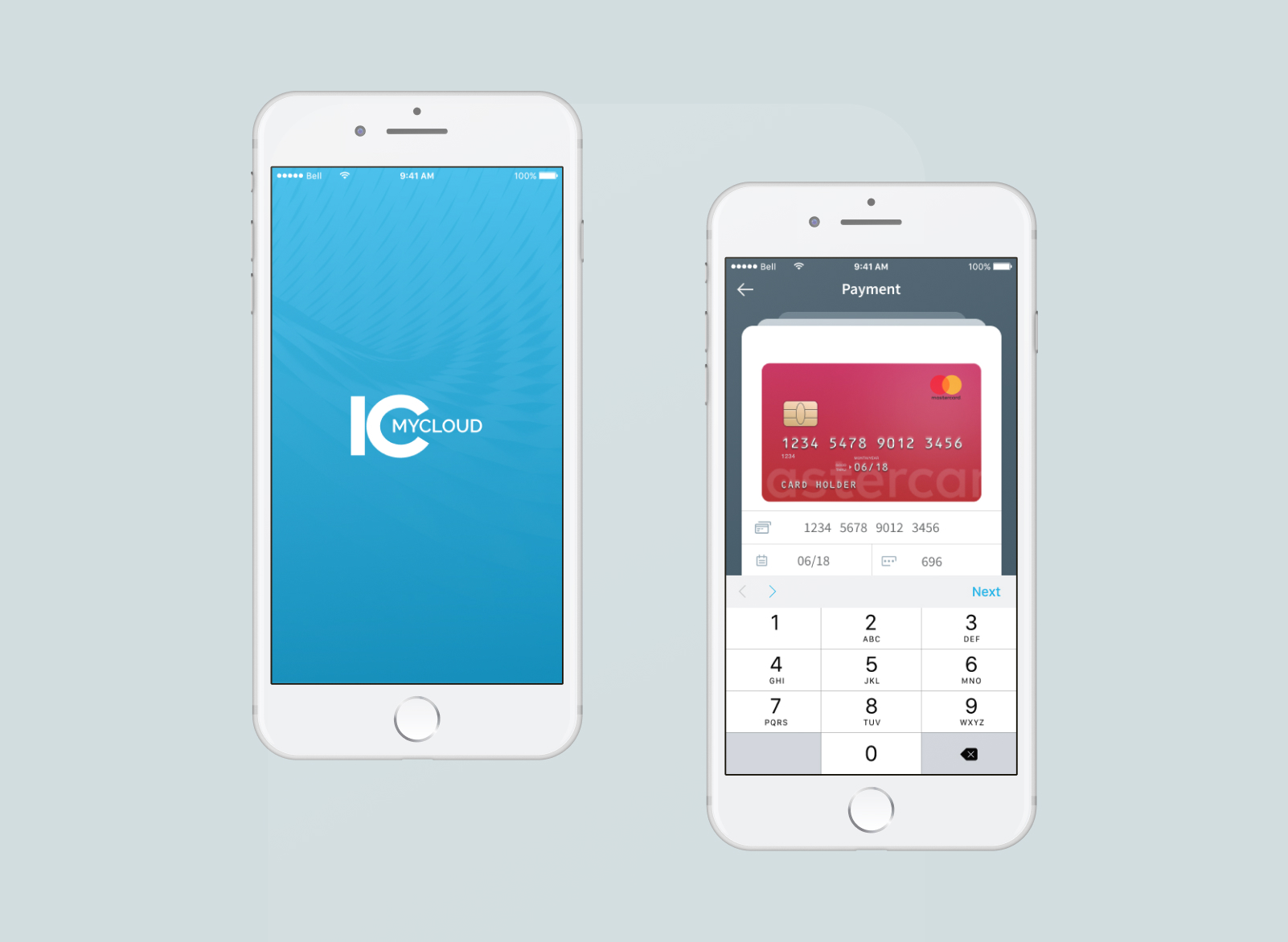
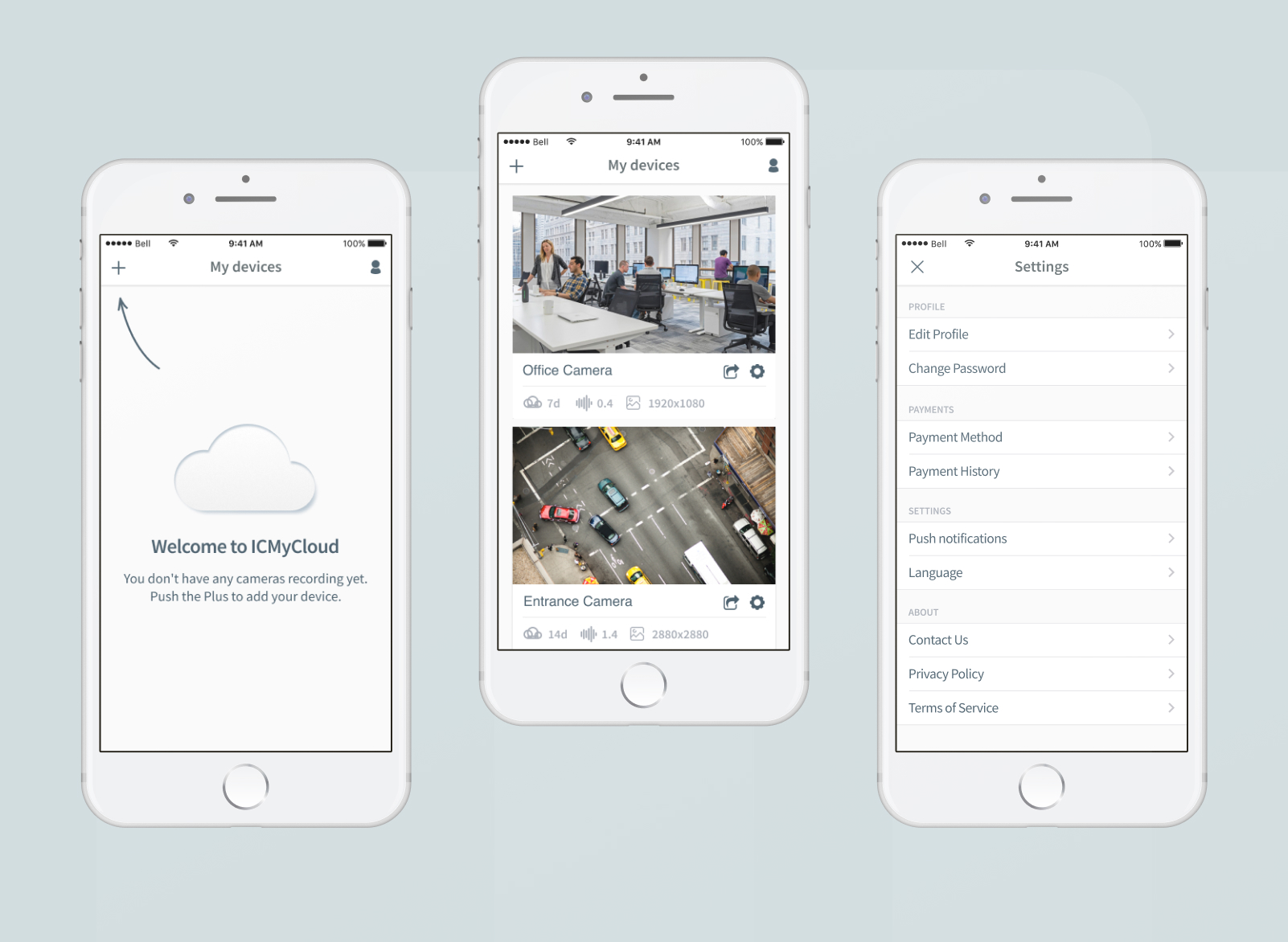
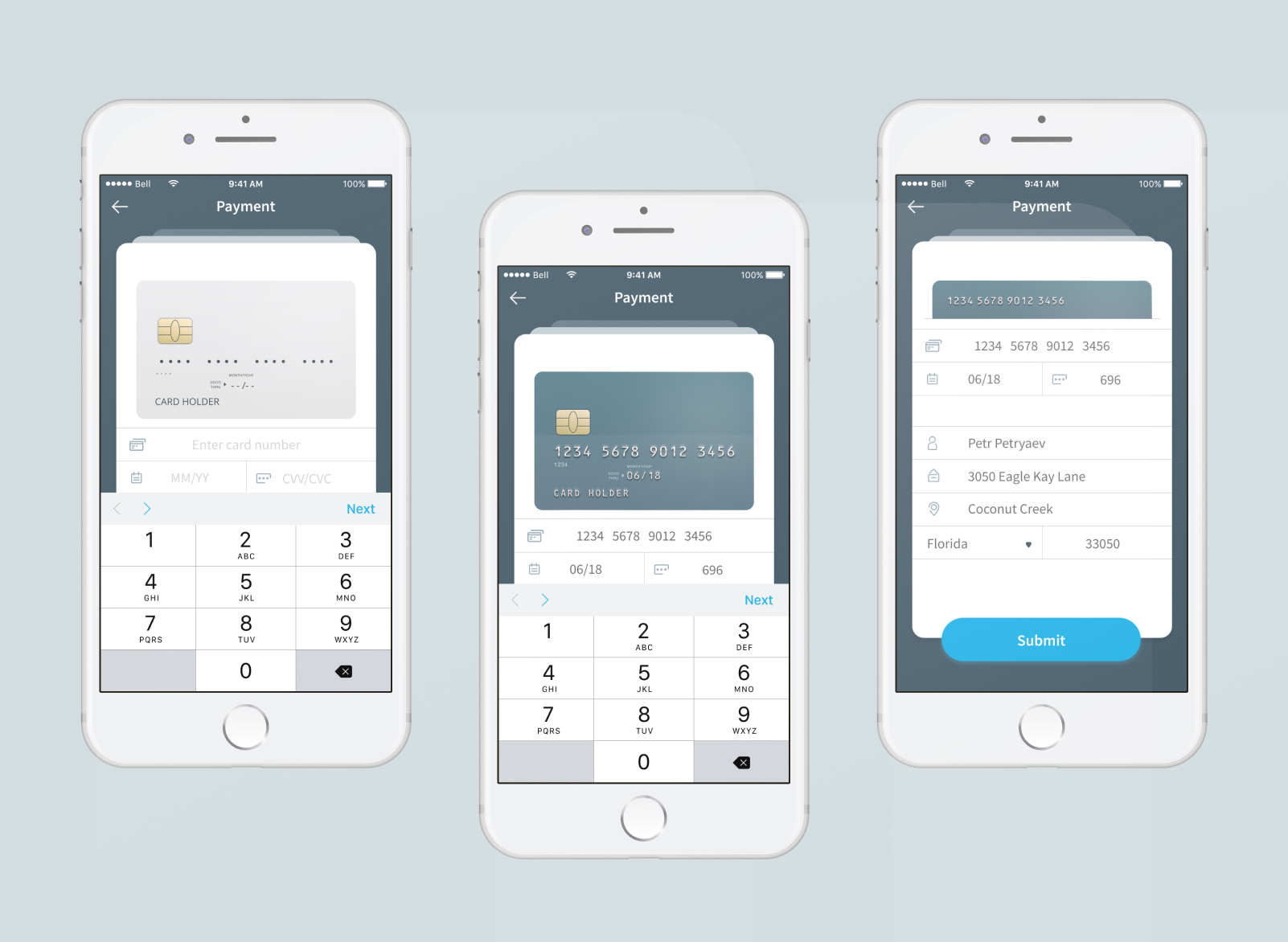
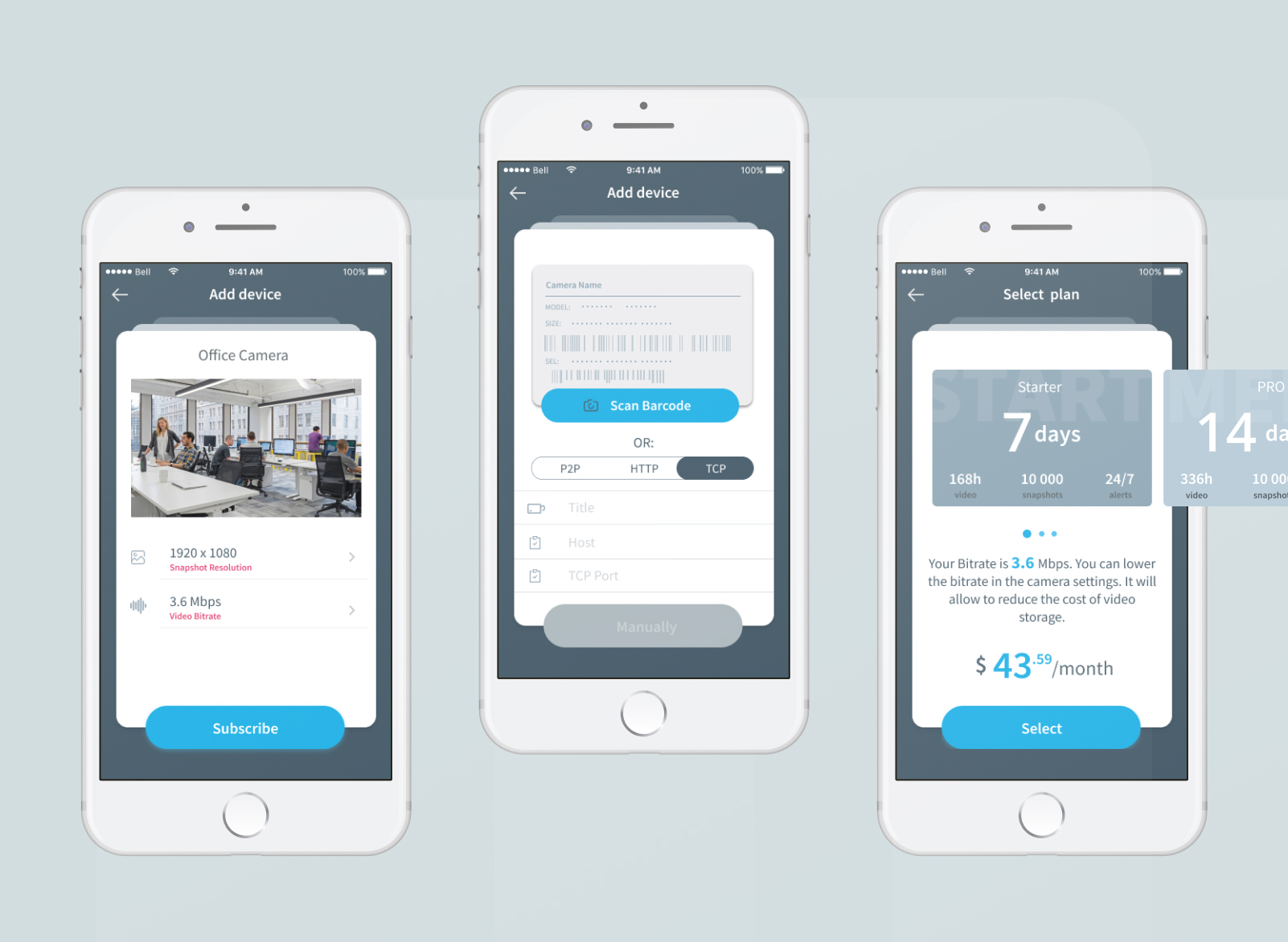
What shipped
- Multi-camera live and recorded video access
- Storage plans, billing, in-app payments
- Camera management, sharing, alerts
- iOS and Android, shared visual system
Closing note
A familiar consumer-app shape on top of an enterprise system. The design work was less about novelty and more about making a long history of footage feel browsable in seconds.