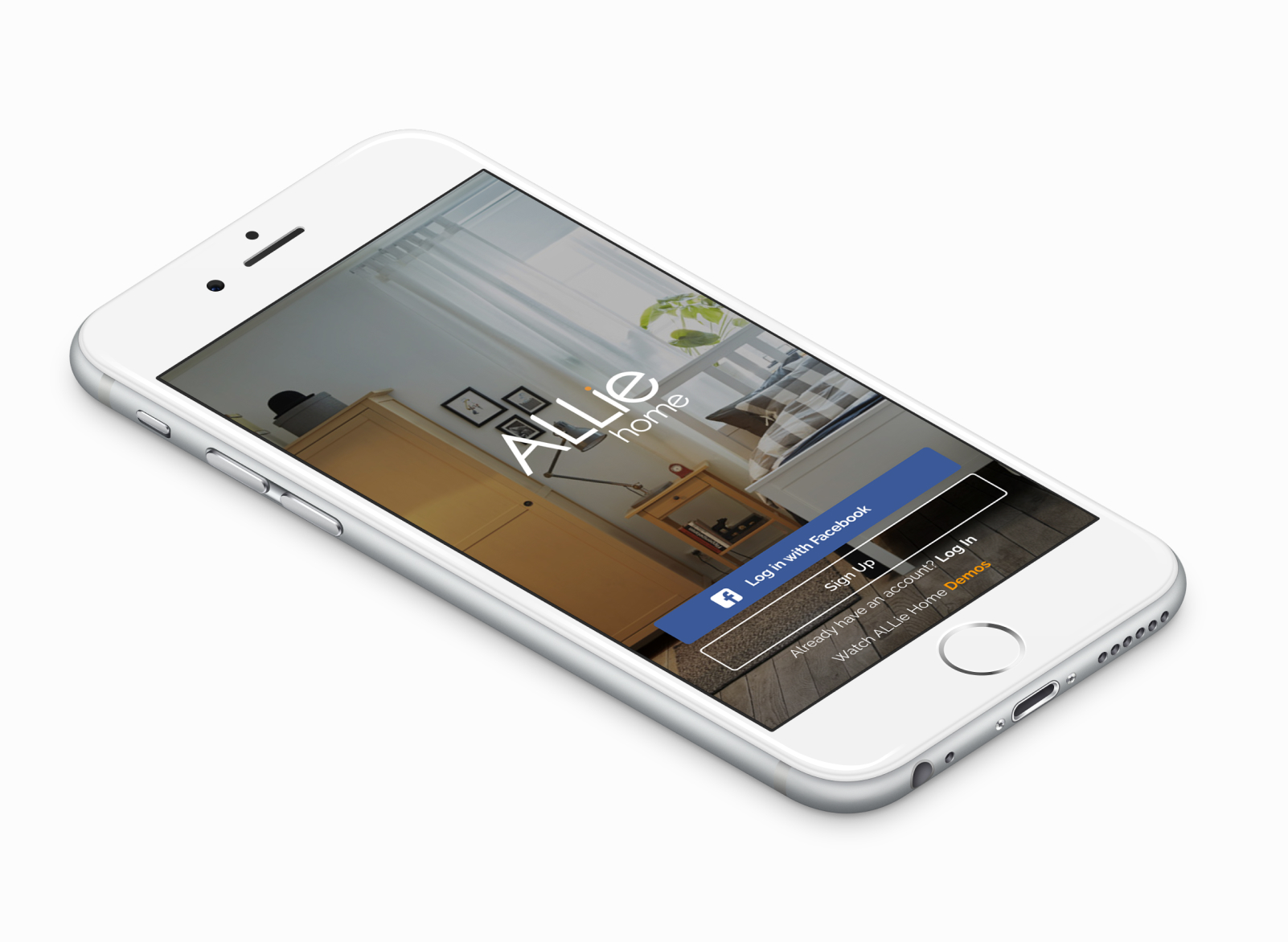
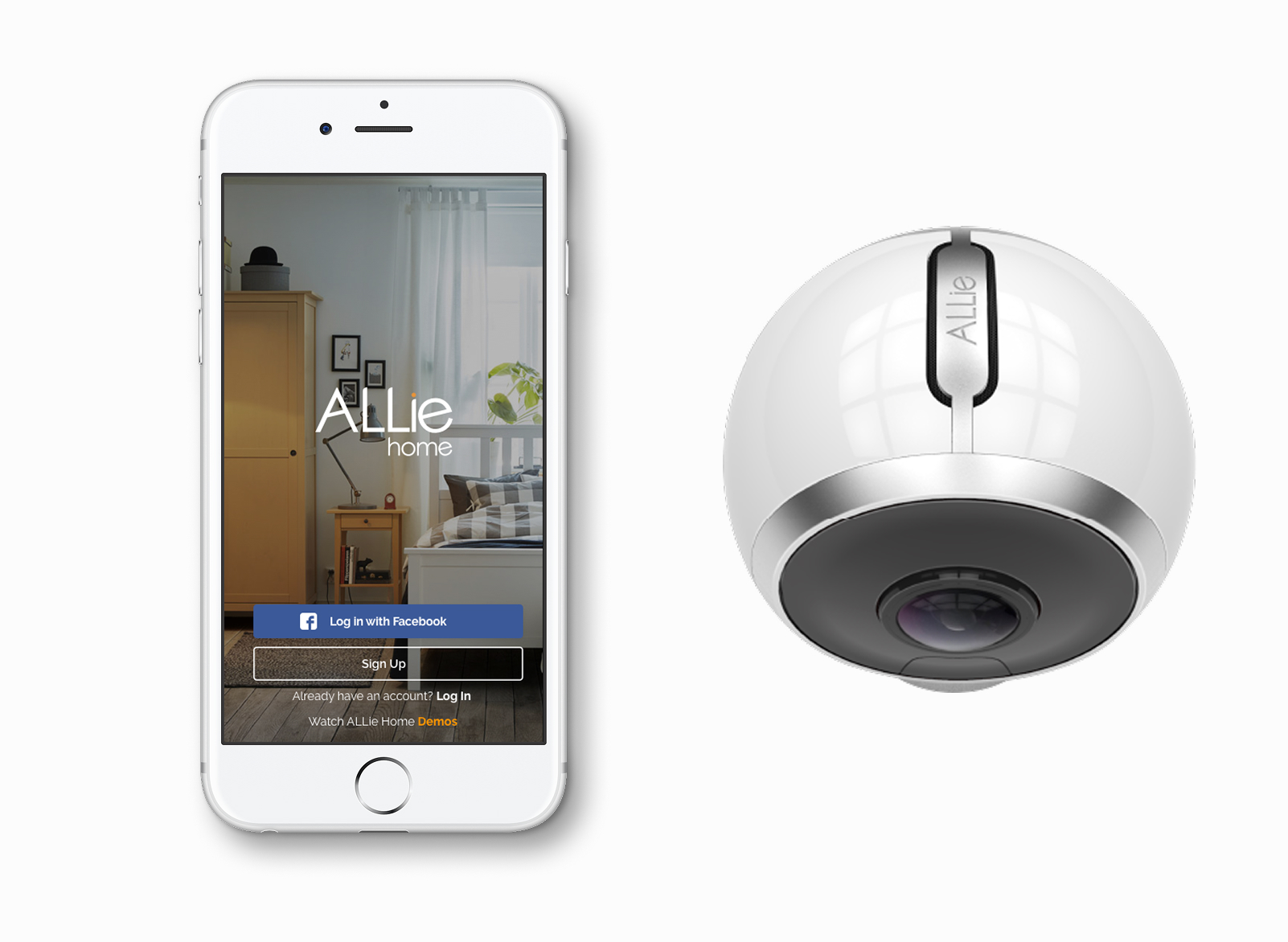
Allie Home is a smart-home companion — cameras, sensors and automations, all in one calm interface.
Smart-home apps tend to be device catalogues. We built Allie around rooms and routines instead — the things a person actually thinks about when they're moving through their house.
The automations editor was the most interesting part. We replaced a rule-builder with a sentence-builder — five slots that produce plain-English automations a non-technical user can read back.
How we worked
The research was a pile of recordings of people describing their own homes. The pattern was immediate: nobody talks about devices. They talk about rooms, about mornings, about what happens when they leave. That shaped the information architecture — rooms and routines are the top level, devices live underneath, and the home never asks the user to think about a light bulb as a network node.
The automations editor took four attempts. The first three were variations on a visual rule builder — if-this-then-that blocks — and every one of them confused non-technical testers within thirty seconds. The fourth attempt was a sentence: 'When [trigger], the [thing] should [action] [if condition].' Five slots, drag and drop, and the result reads like English. That one tested clean on the first try.
The 360 player was a joint build with Allie Go — same component, different contexts. The hardest bit was reconciling the navigation: Go users scrub through a trip, Home users want to pick a moment. I argued for a single component with a mode switch, and defended it through two design reviews where engineering wanted two separate players. It saved the maintenance cost of running two parallel stacks.
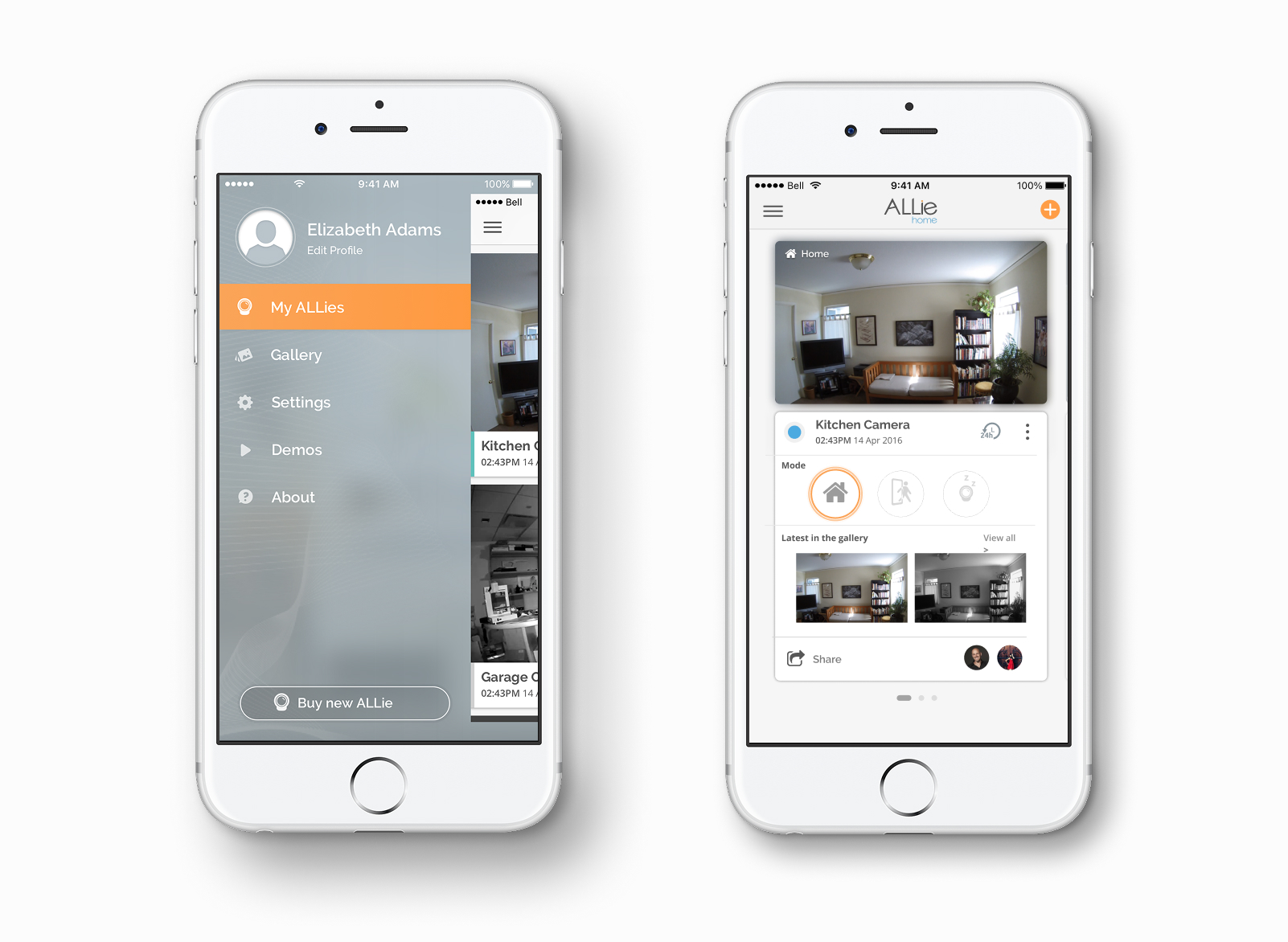
What shipped
- 360 video player with drag, zoom and angle presets
- Motion-zone editor working directly on the 360 view
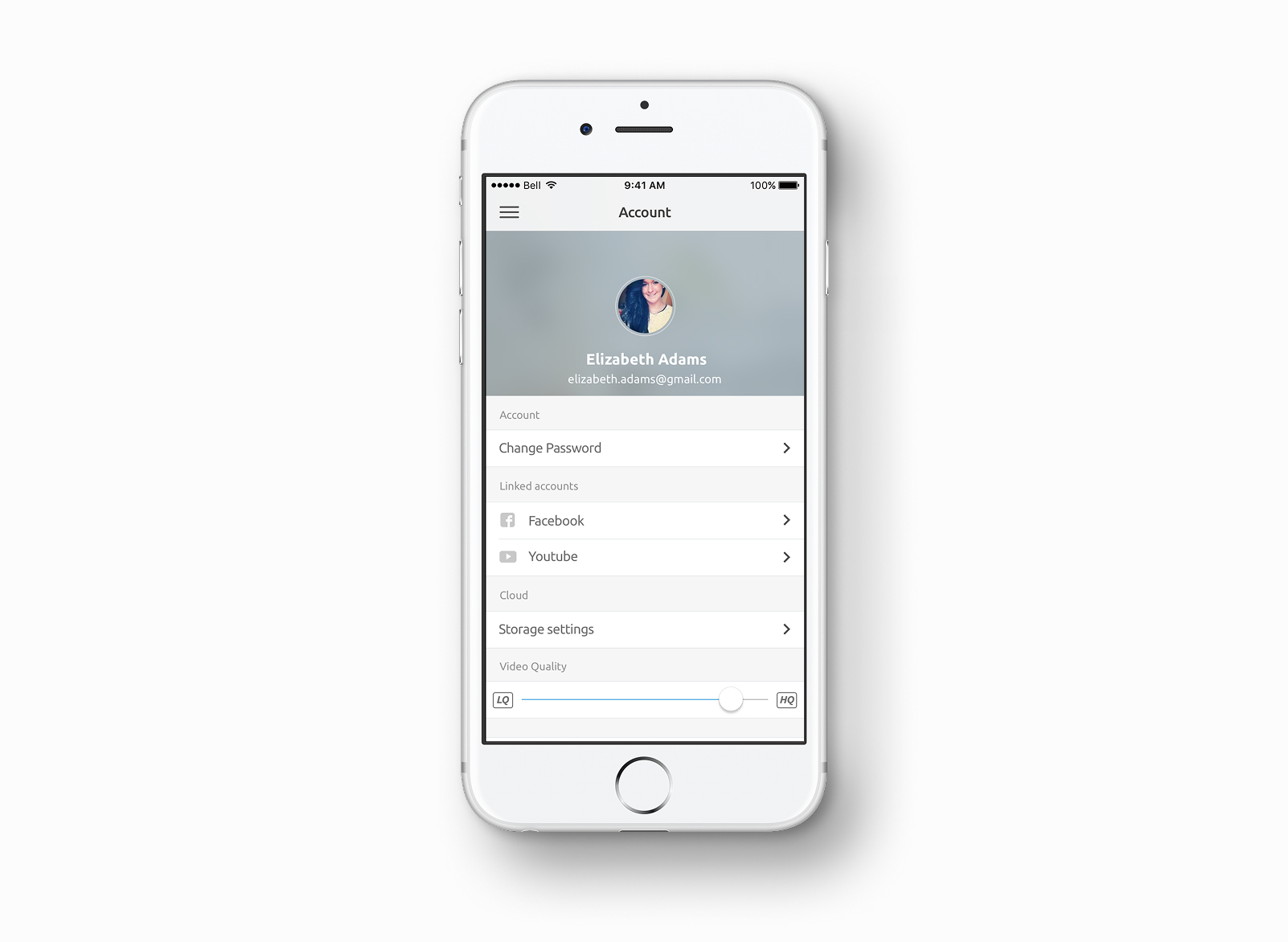
- Event recording library and cloud storage plans
- Notifications that lead back to the relevant clip
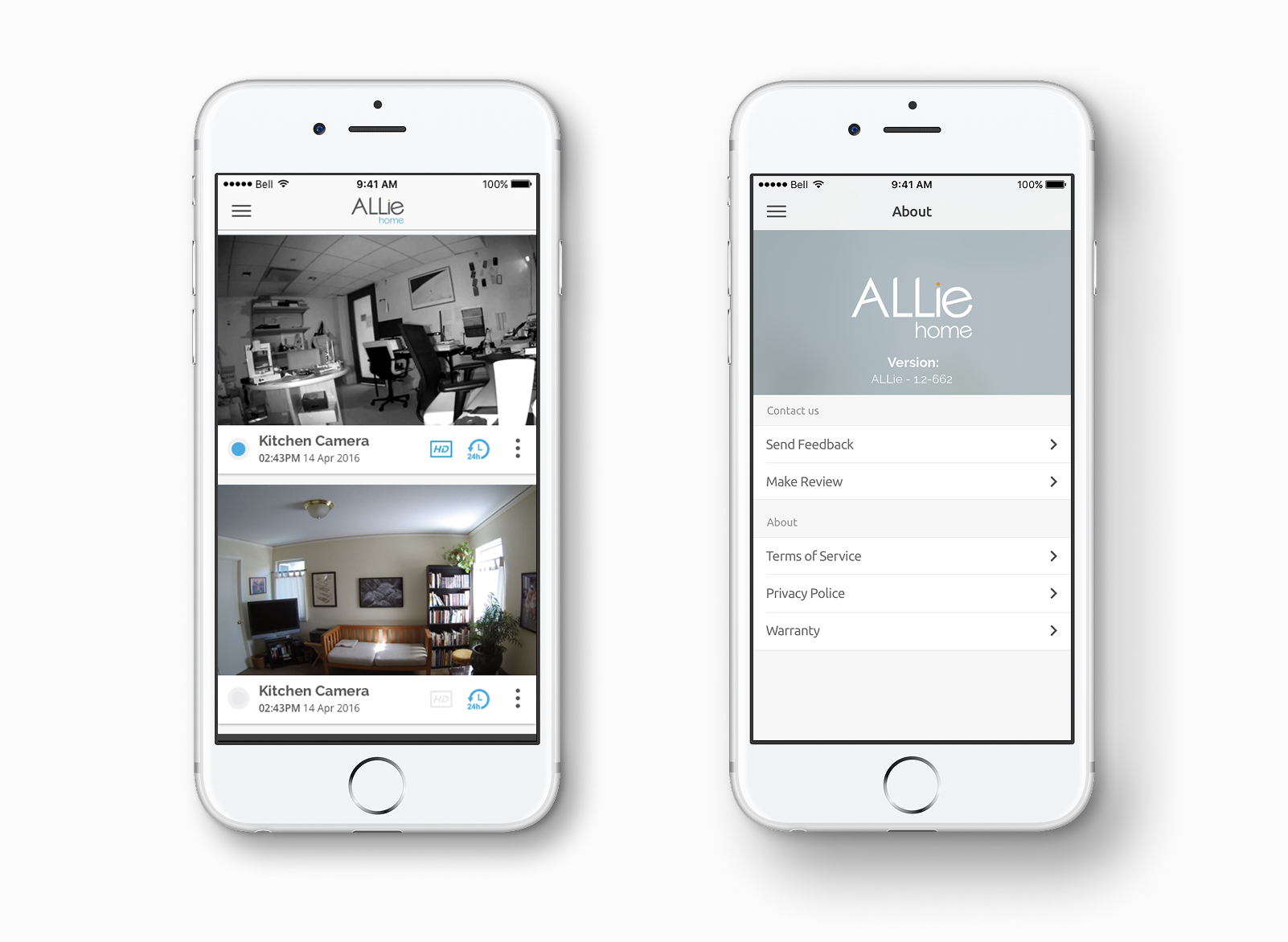
- Camera setup, settings, multi-camera management
Closing note
A 360 camera is only useful if the player makes the format invisible. Most of the design effort lives in that translation — turning a degree of freedom into something a user already knows how to control.